Home
About
Download
Gallery
Contact
Menu
Home
About
Download
Gallery
Contact
Download App
BROPS Android App
How to Install the App
1
Download app on your mobile
2
During installation it may show a security warning. Please ignore the warning.
3
First 4 digits of your User ID are
8006
and next 4 characters are your admission number.
4
Password will be provided by the School Management.
5
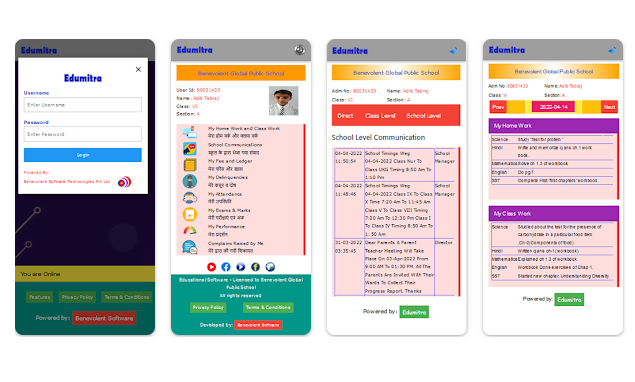
You can view Homework, Fees, Communication, Marks, Attendance & more.
Download from Play Store